Rodora for Mac

Give your ideas
room to grow.

Collect what inspires you. Generate something new. Edit it until it feels right. Your references, experiments, and finished work live together in one native Mac app.

Mac release coming soonExplore the studio

macOS 26+ · 15-day trial at launch · AI usage billed by your provider

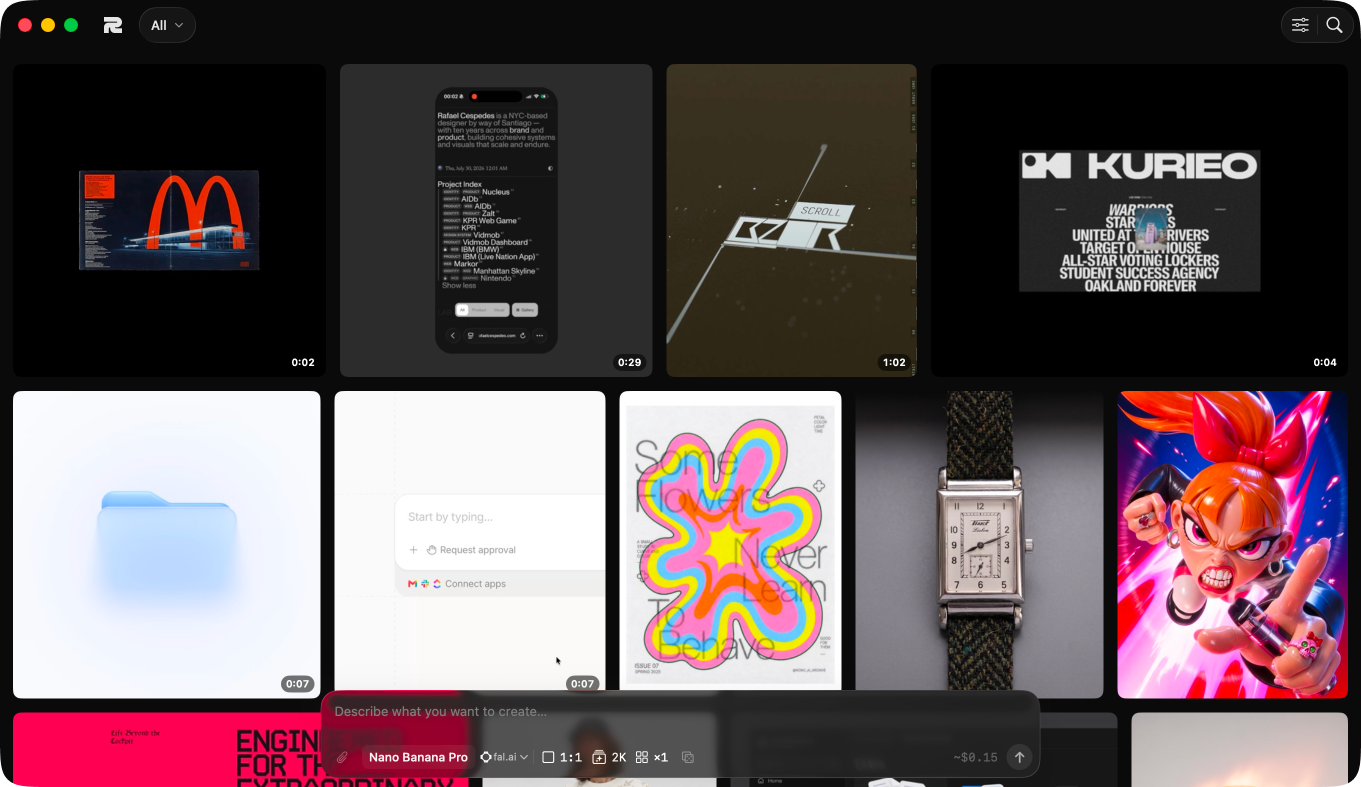
Rodora’s native Mac library, with a visual grid of images, version stacks, projects, and Library filters.
A place for everything you make and collect.References. Versions. Finished work.

From inspiration to something of your own. A library to collect in. A canvas to explore on. An editor to finish with.

01

Collect your references.

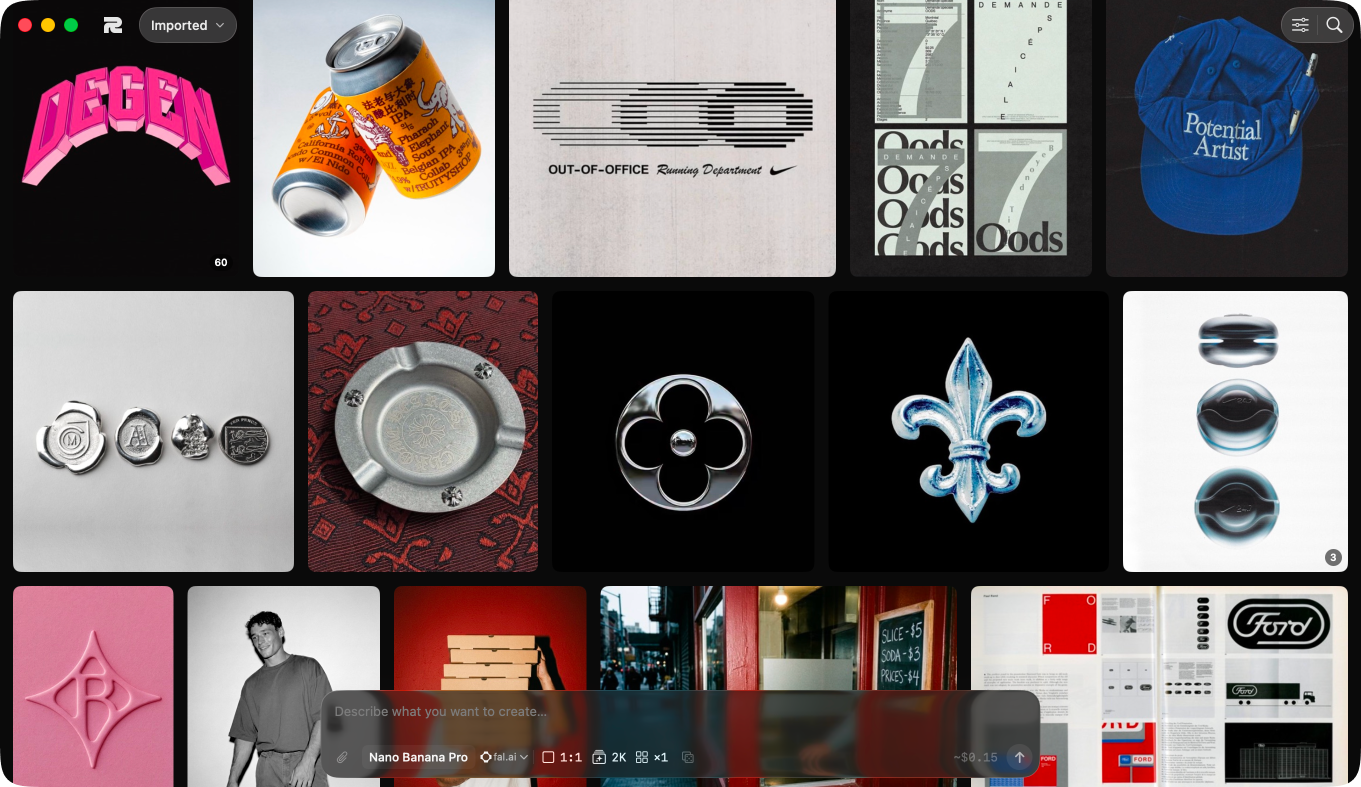
Bring in files, folders, or an Eagle or Atlas library. Organise with projects, tags, and likes. Find similar images with search that runs on your Mac.

02

Follow an idea.

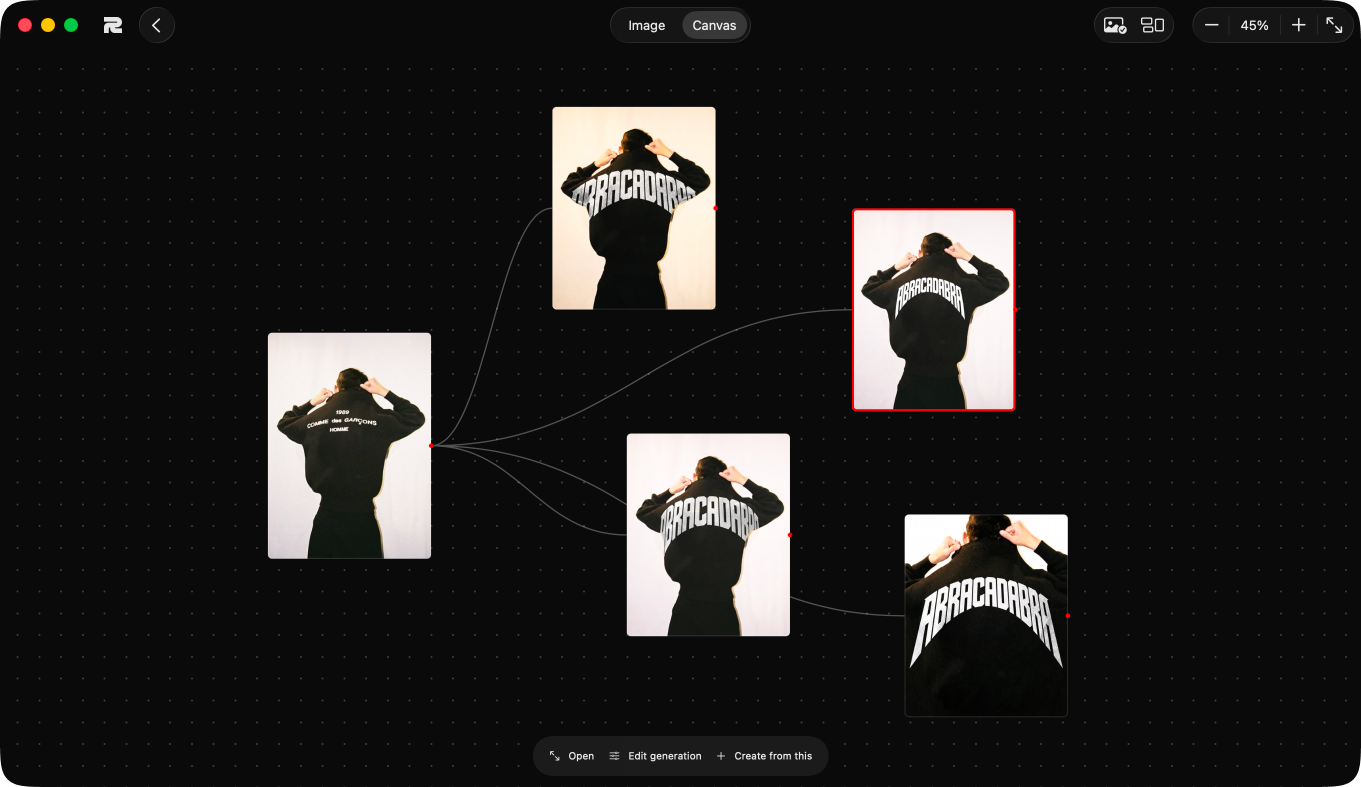
Start with a prompt or an image from your library. Generate images and video, explore variations, and lay out connected ideas on a canvas. Every result stays with the work it came from.

03

Make it your own.

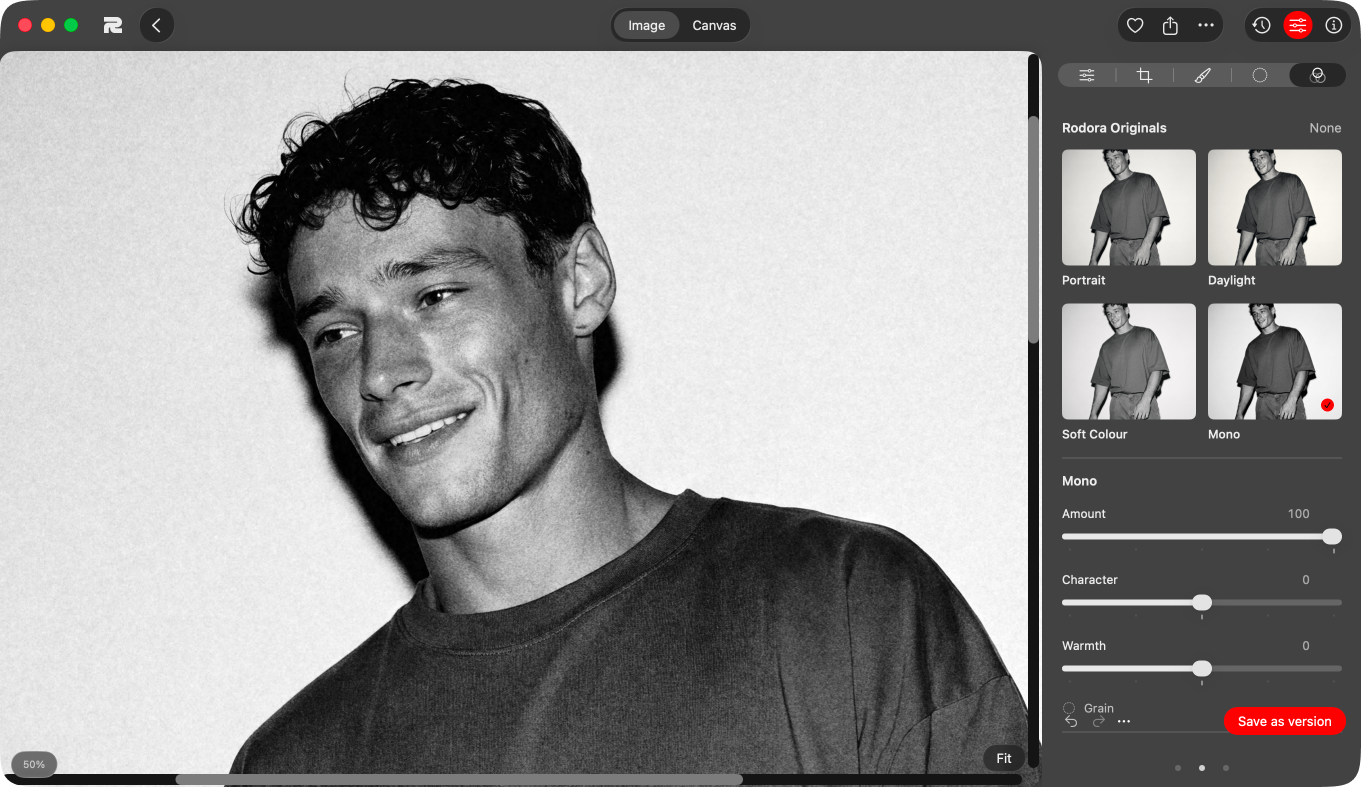
Adjust light and colour, crop, paint masks, and apply looks and grain. Save an edit as a new version, revisit it later, and export the result. Your original stays intact.

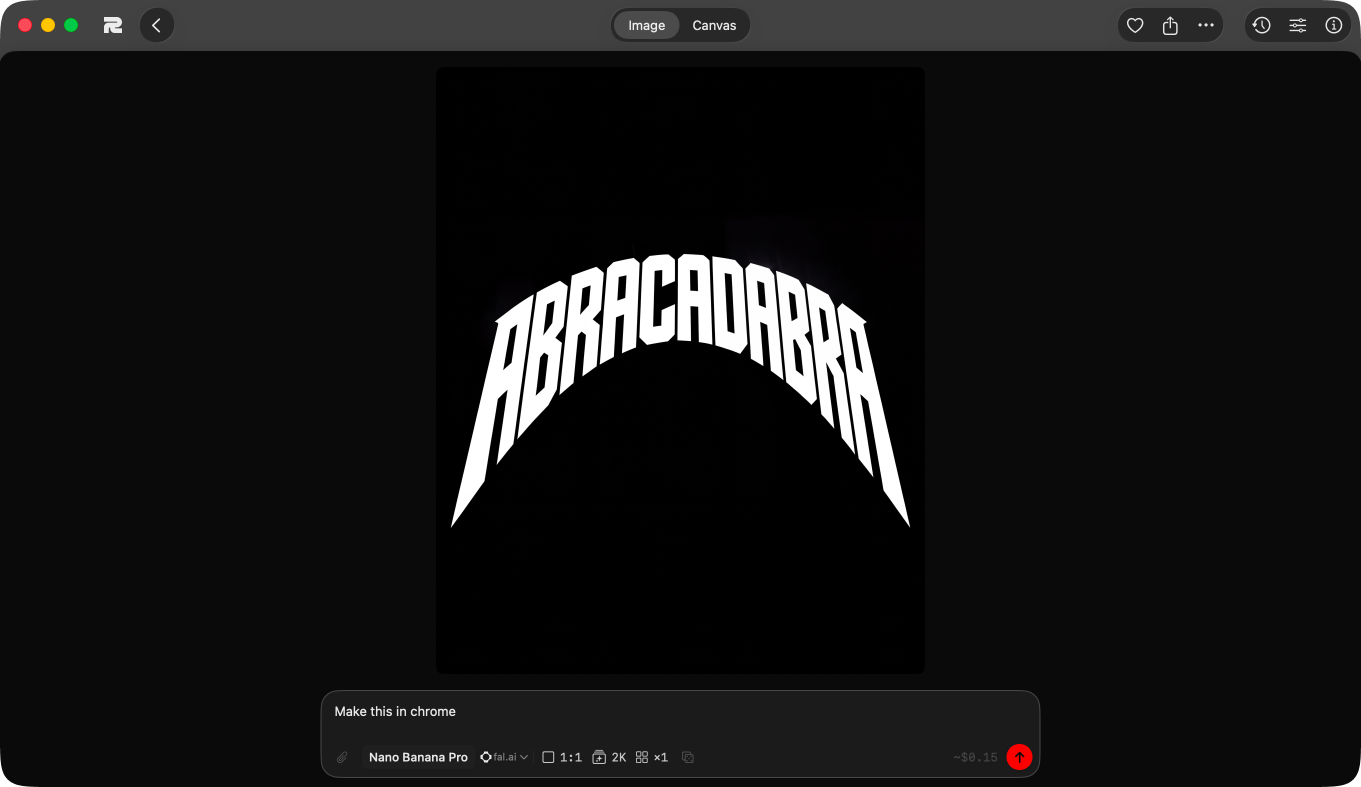
An original image and its black-and-white variation connected in Rodora’s native canvas.
See where an idea came from, and choose where to take it next.

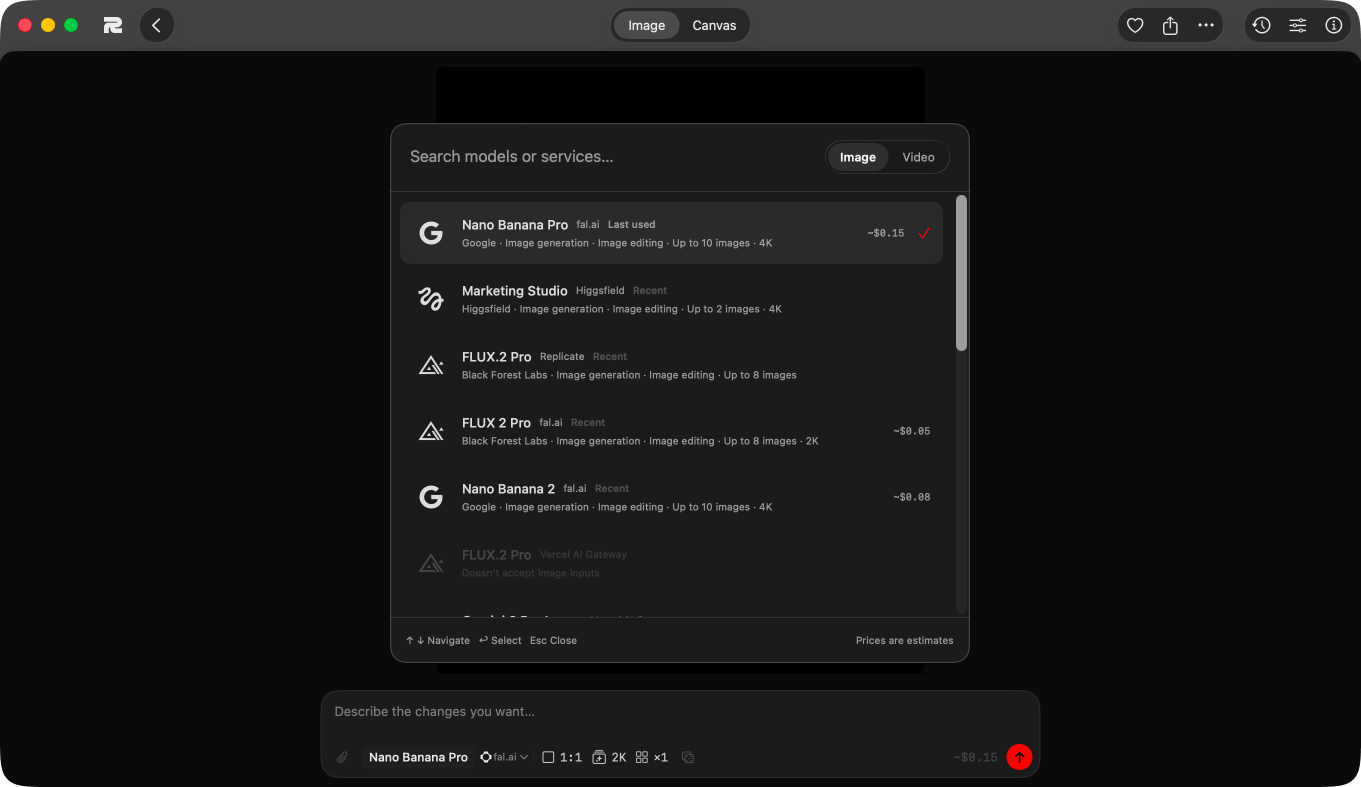
Choose the model for the idea. Explore image and video models in the same workspace. Bring your own provider key, use the models already configured, or add compatible fal models in Settings.

Google

Google. Nano Banana 2, Nano Banana Pro, Gemini 3 Pro Image, Veo 3.1 Fast

ByteDance

ByteDance. Seedream 5.0 Pro, Seedance 2

OpenAI

OpenAI. GPT Image 2

Flux

Black Forest Labs. FLUX 2 Pro

Grok

xAI. Grok Imagine

Alibaba

Alibaba. Z Image Turbo

Reve

Reve. Reve Remix

Kling

Kling. Kling v3

Fal

More on fal. Add compatible image and video models from the fal catalogue

The key is yours and so is the bill. Veo, Kling and Seedance make video and the rest make images. Connect fal.ai, Replicate, OpenRouter, Vercel AI Gateway or Higgsfield for the models supported by each service. AI usage is billed separately from the Mac app, directly by your provider.

Your studio. Your files. Built around the way you work on a Mac.

At home on your Mac.

Native controls, Quick Look, keyboard shortcuts, and drag and drop to and from Finder.

Your library lives with you.

Browse, organise, and adjust your images locally. Your media stays in a folder you control.

Your choice of provider.

Connect your own API key for AI generation. Requests and reference images go to that provider, which bills you for usage.

Room to change your mind.

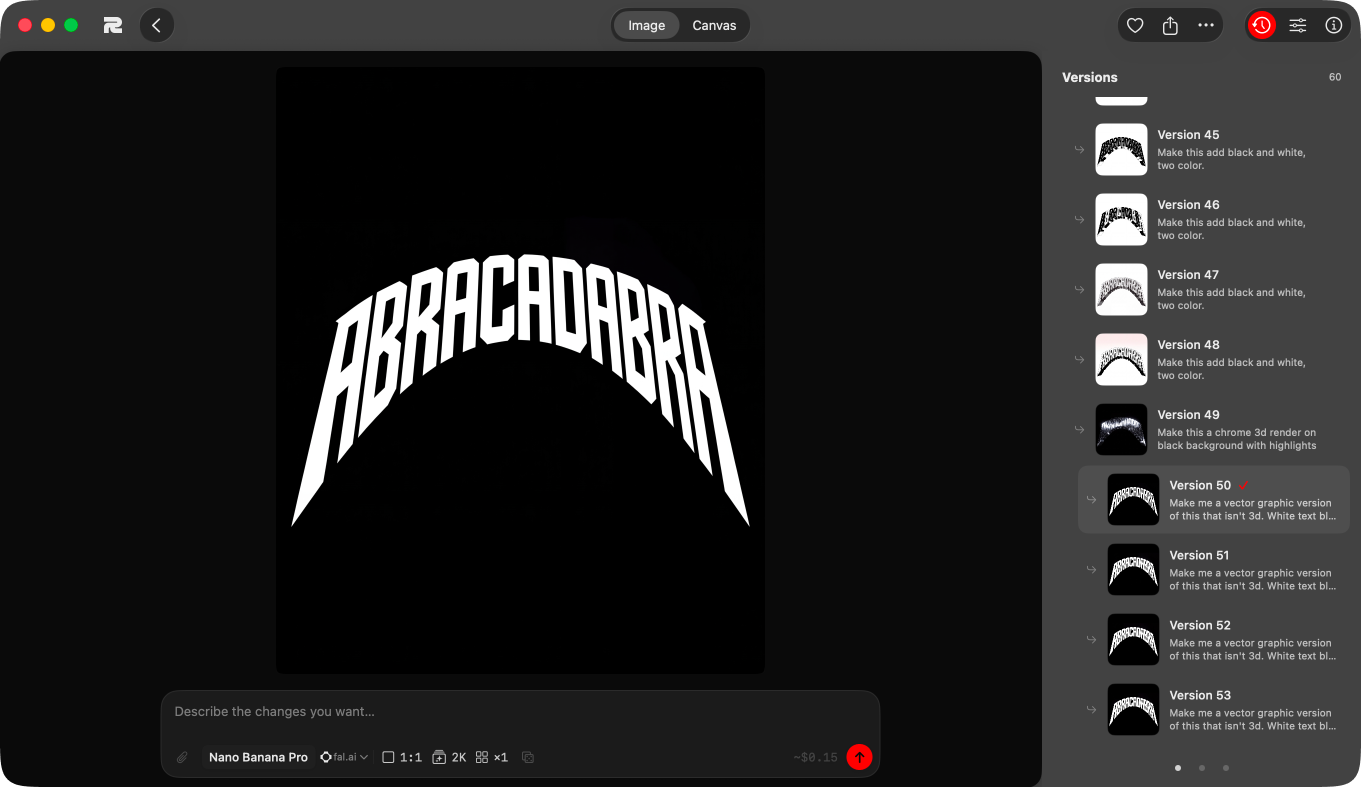
Keep originals, save edits as versions, and explore another direction from any image. Deleted items go to a restorable trash.

Ready to take elsewhere.

Export images as JPEG, HEIC, PNG, or TIFF, with control over size and colour. Copy videos and unmodified originals as they are.

Bring your library along.

Import from Eagle, Atlas, or the original Rodora app. Move your media folder to an external drive when you need more space.

Rodora Capture · For Mac

Found something good?
Keep it in Rodora.

Save an image, pick several from a page, or capture part of your screen. The image and its source land in Bookmarks. Add tags, a note or a project as you save.

Chrome and Dia. Requires Rodora running on your Mac.

A reference is more useful when you remember where it came from. Rodora keeps the source with the image, ready for the next project.