Rodora for iPhone
Generation
in your hand.
A thought. A photo. A different direction.
Make images and video wherever an idea finds you.
iOS 26+ · Free app · Bring your own API keys
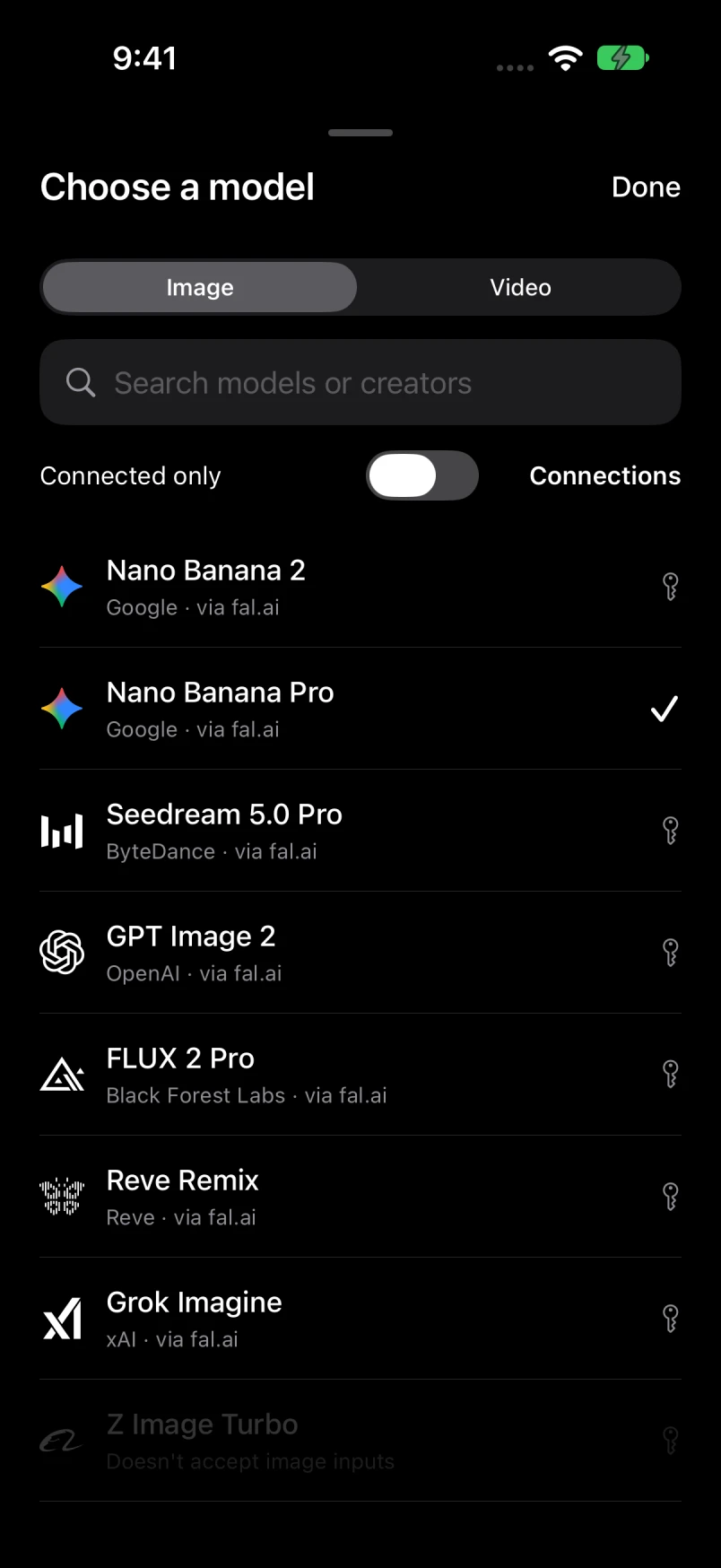
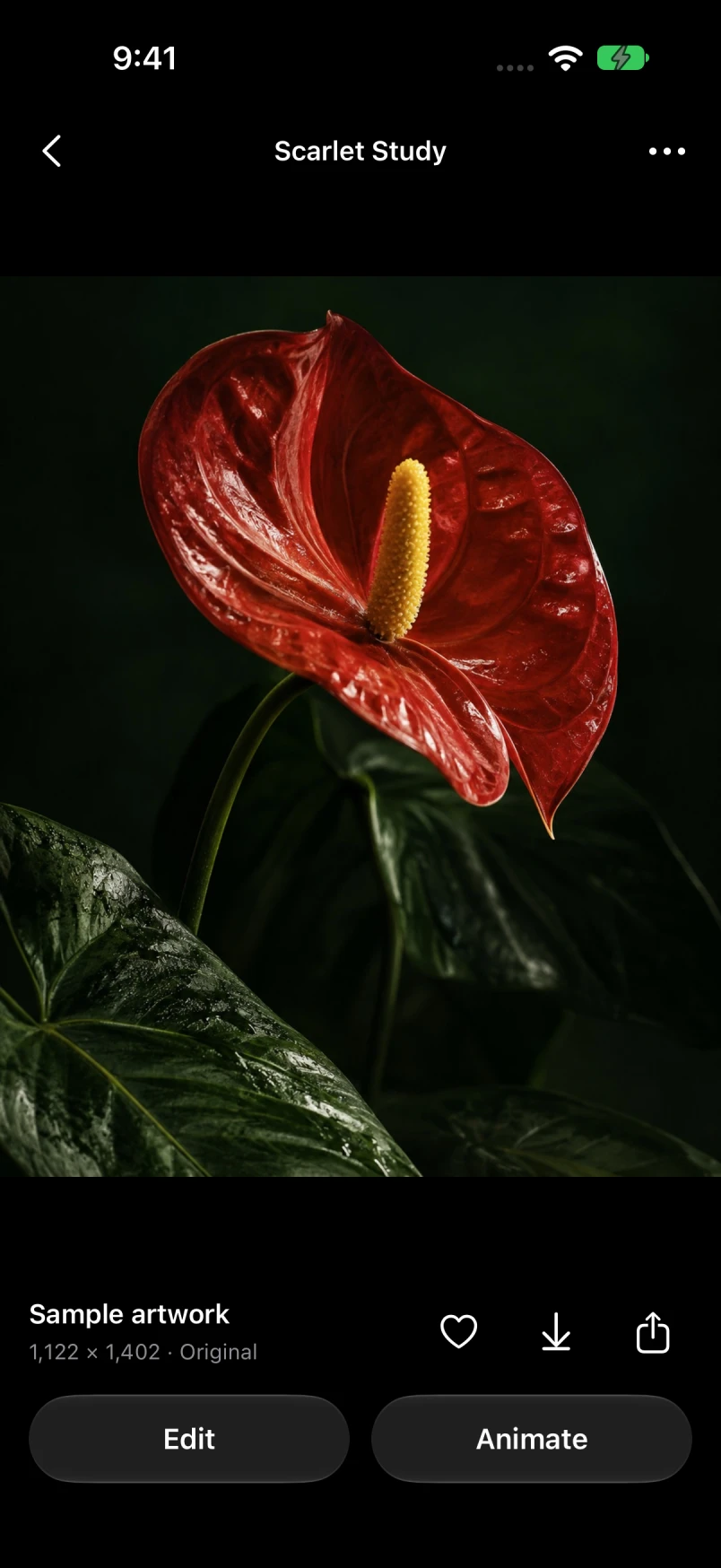
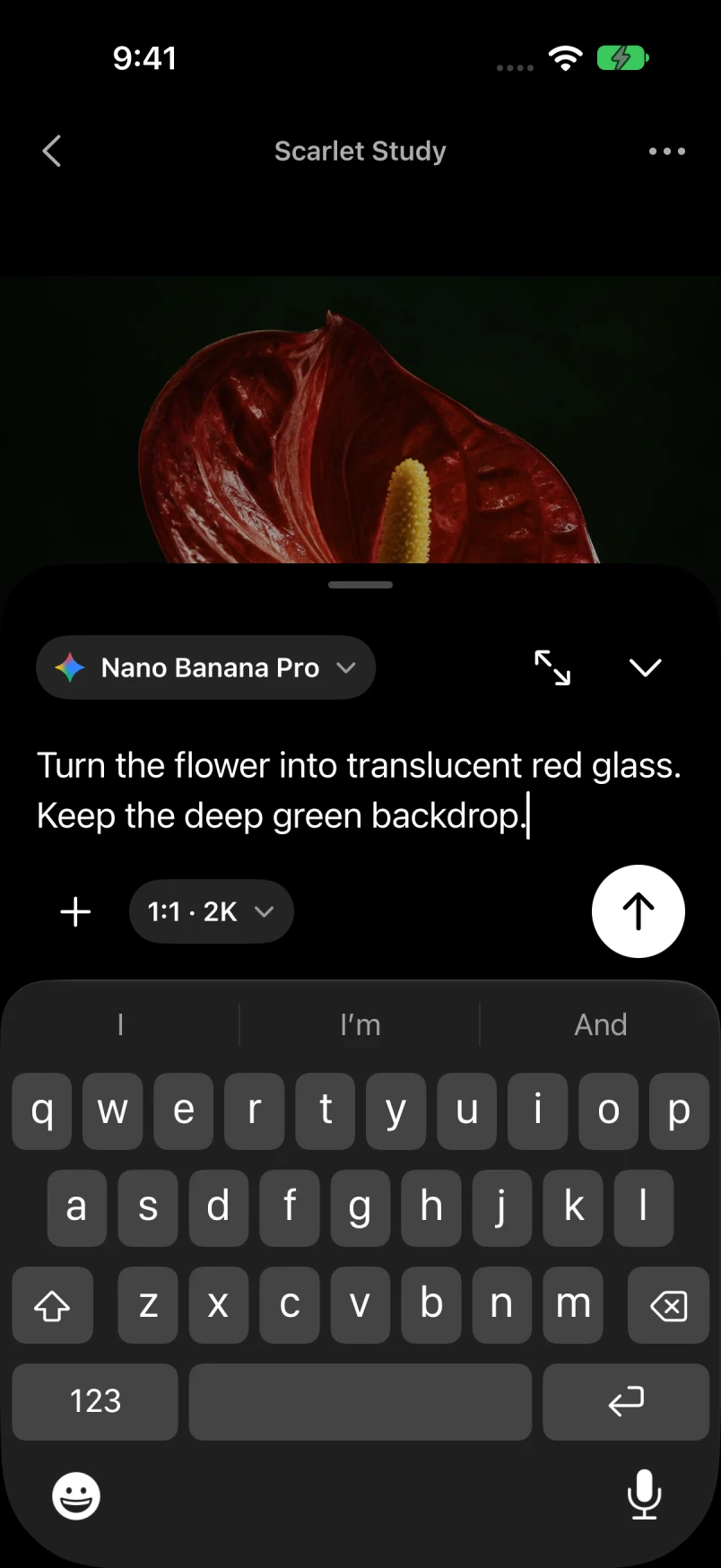
Actual development-build screens with original sample artwork.
Start with a thought.
Describe an image or a video. Pick a model, choose the available ratio and resolution, and let the idea take shape.
Or start with a photo.
Take a photo or choose one from Photos, Files or your Rodora library. Edit it with a prompt, or animate it into a video.
Keep going from there.
Try another direction from any image. Keep the original, follow the source image, and save the results you love.
Model choice, without the juggling
An idea can have
more than one model.
Choose a model above the prompt. Change ratio, resolution or video duration where supported. When you attach a photo, Auto ratio follows its shape or the closest size the model supports.
Connect fal.ai, Replicate, OpenRouter, Vercel AI Gateway or Higgsfield in Settings. Available models and controls depend on your connection.
Keep the good ones
A little library.
All your directions.
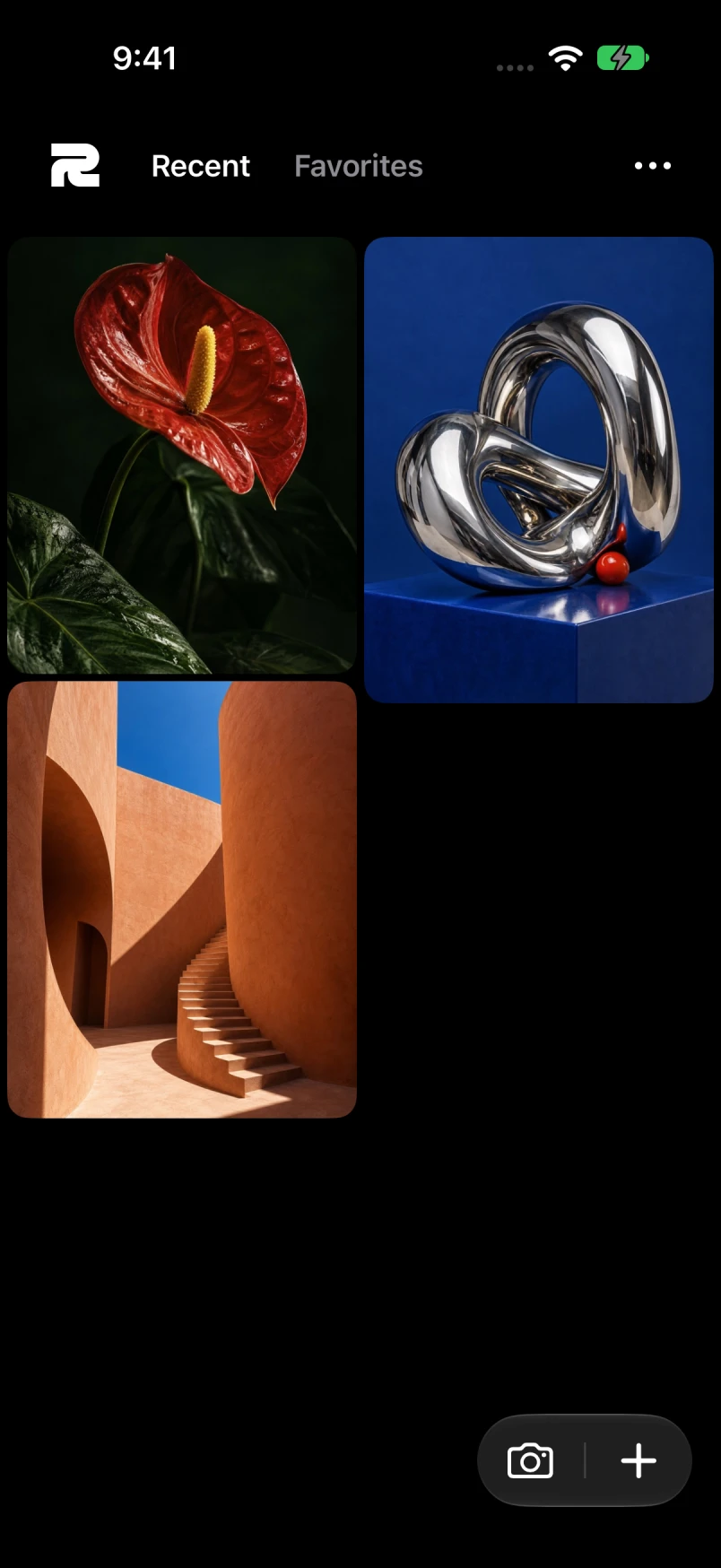
Swipe between Recent and Favorites. Long-press to select several images, favorite a batch, or move them to a recoverable Trash.
Open a video and it loops at its own proportions. Tap to pause, go fullscreen, or save the original. Images and videos can go straight to Photos, Files or the share sheet.
A few good questions
Simple to use.
Clear about the rest.
Is Rodora for iPhone free?
Yes. The iPhone app has no Rodora subscription, account or credit packs. You bring your own API keys, and your provider charges for generation. Provider model access and billing still apply.
Can I make videos too?
Yes. Use a supported text-to-video model or animate a starting image. Rodora plays, saves and shares the result. Video-to-video editing is not included.
Where do my images and API keys go?
Your library stays on your device and your keys are saved in its Keychain. Before you send creative content to a connection, Rodora asks for permission. Automatic AI titles are optional and off by default. Read the privacy policy.
Does my library sync with the Mac app?
Each app has its own local library today. There is no iCloud or Mac sync. Use Photos, Files or sharing to move work between devices.
Keep an idea within reach.
Rodora for iPhone · iOS 26 or later